
Neat and intuitive user interface
Run Moyea Web player, below neat and intuitive screen will pop-up.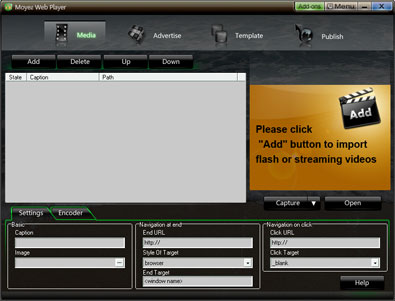
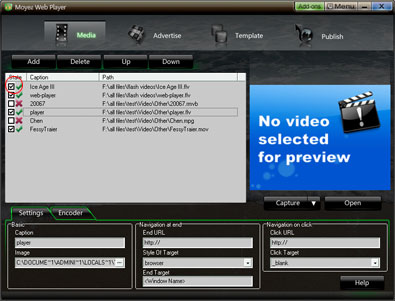
Functions layout for importing files
No quantity and location (local computer & online) limit on video files can be easily added, which will be played in the generated web player.
Concise solution to unsupported video file
If an unsupported video file be added, the screenshot below will supply you a concise solution. 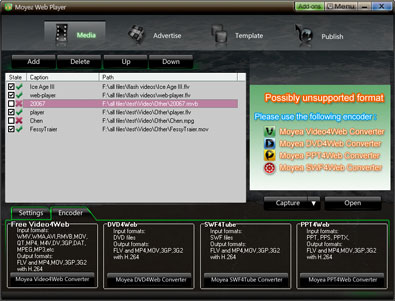
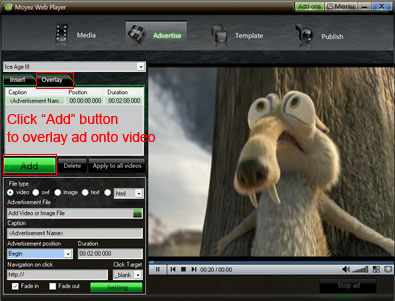
Insert advertisements into videos at any point-in-time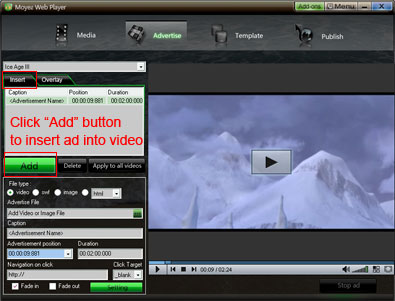
Overlay ads at any time point onto your video.
Multiple player skins
Up to 40 player skins for choosing to meet your need 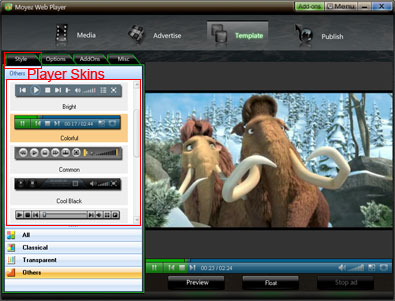
Customizable play options
All play options (including control bar settings, pause mode, replay, big play button, video listing settings and advanced settings .etc) can be set to your taste on the layout just with a few clicks.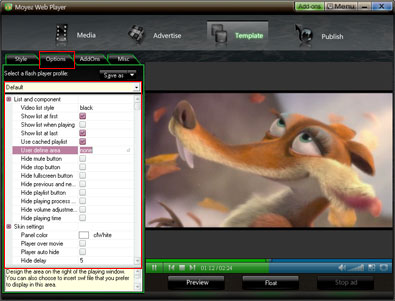
The addons for extending the capability of Moyea web Player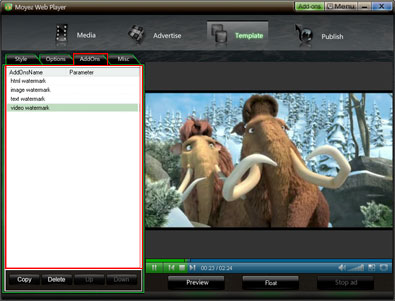
Selecting Background colors and preloader style
The background color and preloader template can be selected with ease on the layout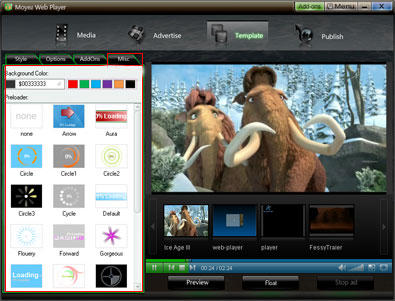
High speed publishing
After all settings completed, click "Publish" button, the custom flash video player can be publised for website.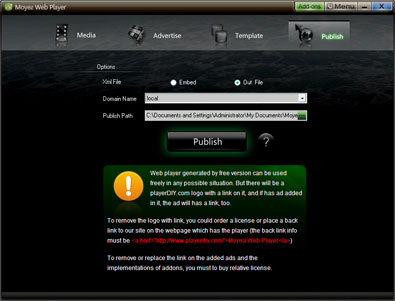

- Windows NT4.0 + SP6/2000/XP or above
- 64MB Memory (128MB recommended) & 512MB hard disc space or above
- Microsoft DirectX 8.1 or above & Quick Time file supported Quick Time 6.0 or above
- Windows Media Player 9.0 or above & Flash Player 9 or above
- Internet Explorer 7.0 or above recommended



 $99.95Buy Now